— Door 02 · Show, don't tell

Canva work,
actually made.

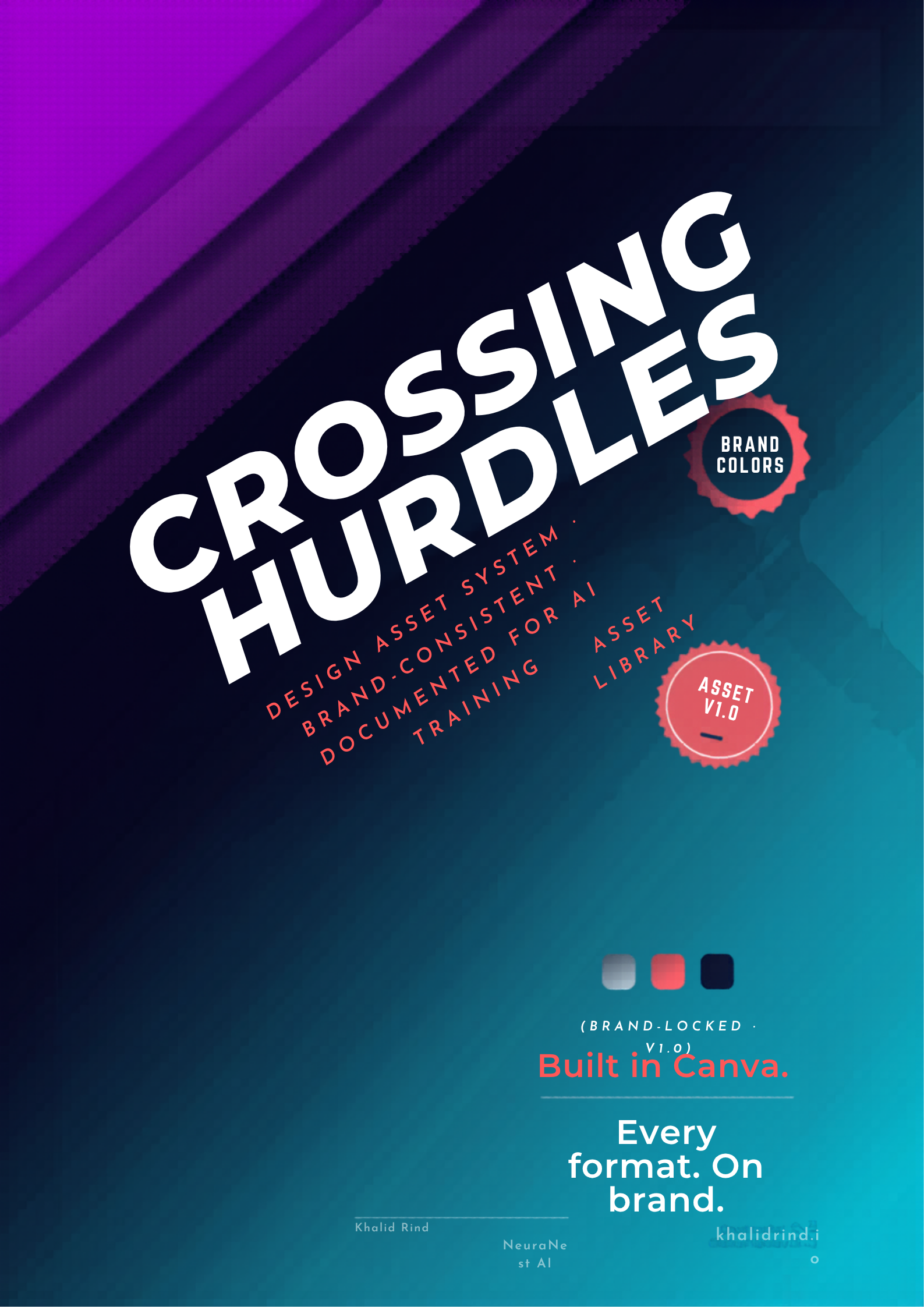
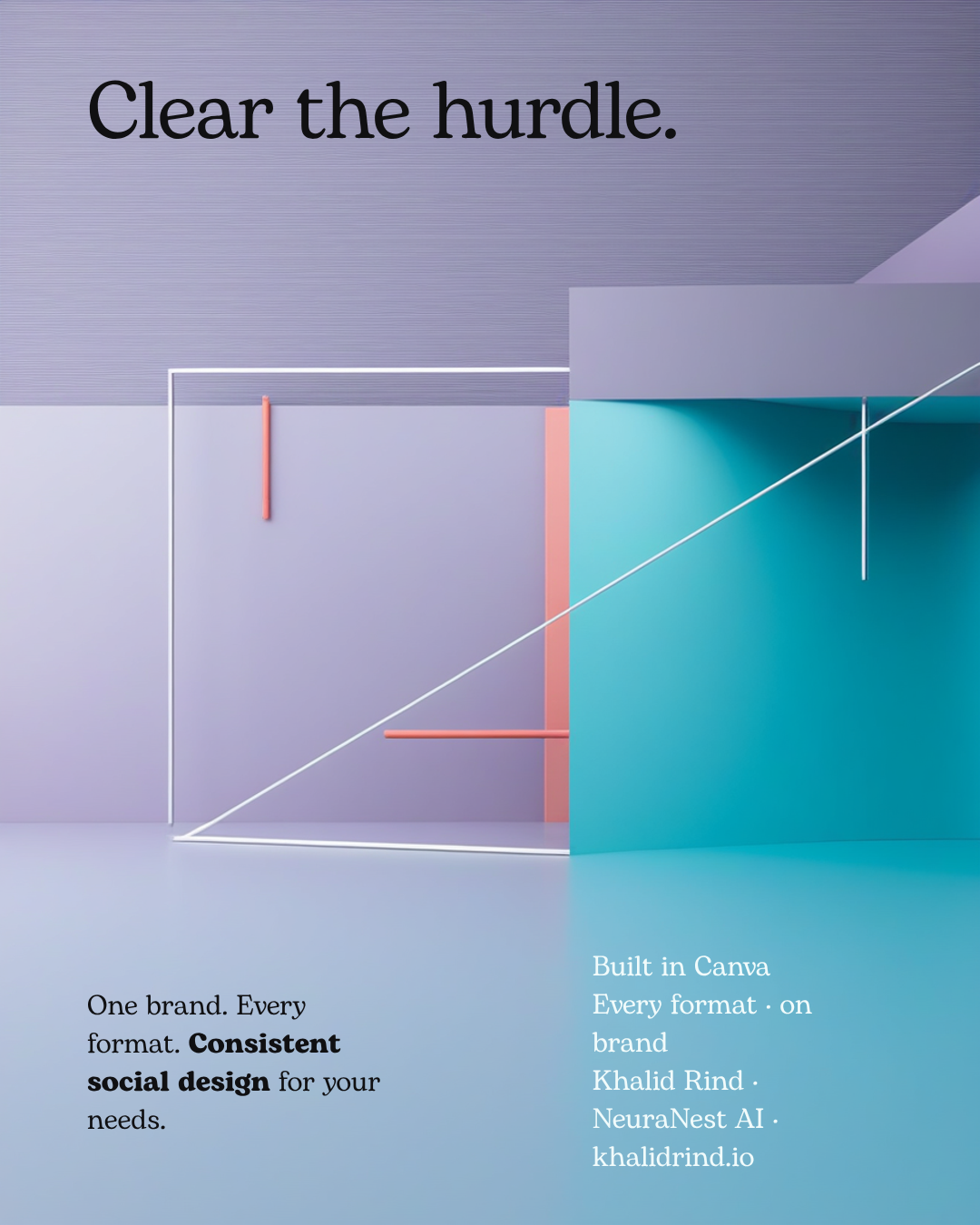
The fastest way to prove I can do this brief is to do it. Below are three real Canva designs I created and edited for this application — built live through Canva, then text-corrected and brand-aligned by hand. Each one opens in Canva. Underneath: the asset pipeline, a naming convention and a version-control system — the "organised repositories" the brief asks for, shown as a working system.

REAL FILES, CONCEPT CONTENT — These are genuine Canva designs I made for this application to demonstrate Canva craft and documentation discipline. They are not Crossing Hurdles' real assets or data; the brand name and figures are illustrative. The "Open in Canva" links go to the actual editable design files.
01Three real Canva designs · built for this briefclick "Open in Canva" to verify
🎨  These are not mock-ups. Each design was generated, then opened in an editing session where I read every text layer, replaced AI placeholder text, and committed the changes — the exact create-then-edit-then-manage loop this role runs all day.
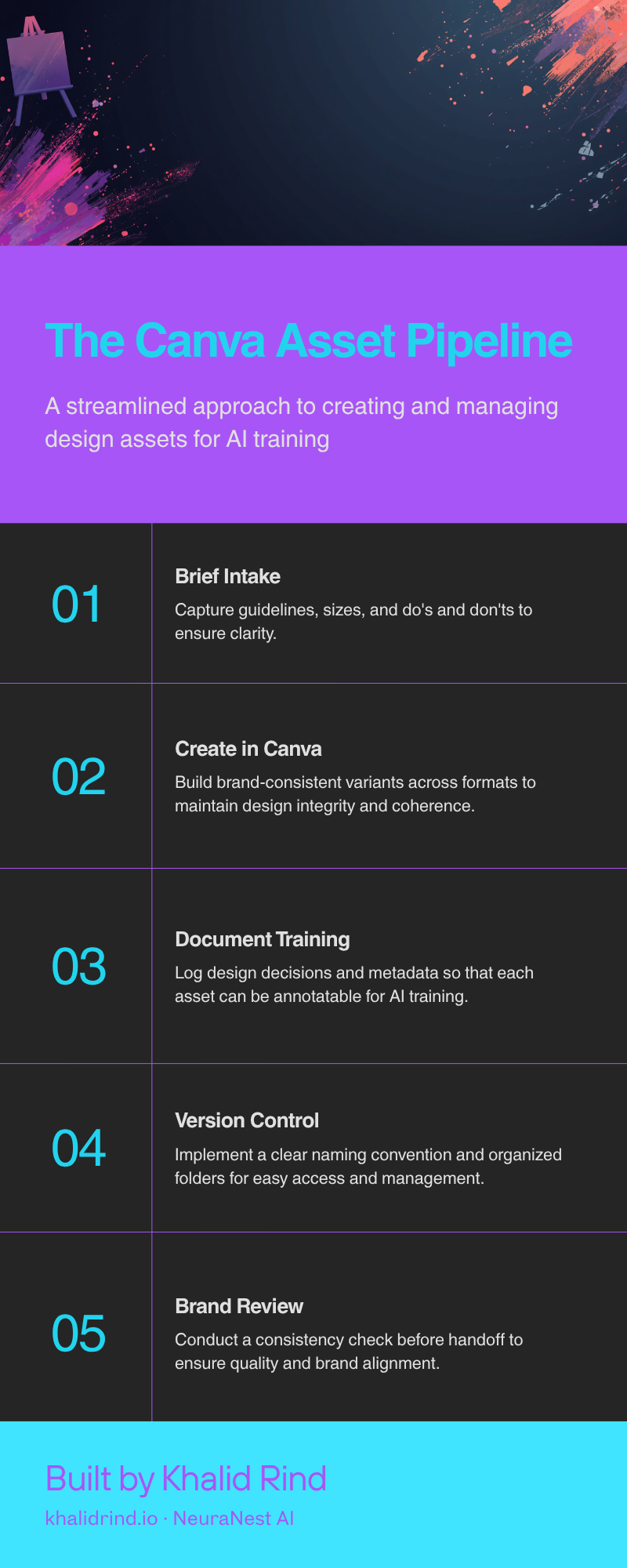
02The asset production pipelineevery asset moves through these gates
Step 01
Brief intake
Capture guidelines, sizes and do's/don'ts before opening Canva.
Step 02
Create in Canva
Build brand-consistent variants across every required format.
Step 03 · gate
Document for AI
Log design decisions + metadata so the asset is annotatable.
Step 04
Version & file
Apply the naming convention; save into the right repository.
Step 05 · gate
Brand review
Consistency & quality check before handoff.

The two highlighted gates — documentation and review — are what turn a pretty file into a training-ready, brand-safe asset. That's the part of this brief most pure designers skip, and it's where my AI-annotation discipline lives.

03Naming convention · so a folder becomes a datasetorganised repositories, by design
# pattern {project}_{asset-type}_{format}_{variant}_v{version}_{status}.{ext}
# examples crossinghurdles_infographic_800x2000_pipeline_v3_final.png crossinghurdles_poster_1587x2245_assetsystem_v2_review.png crossinghurdles_social_1080x1350_clearhurdle_v2_final.png
# why it works → sorts cleanly · greps by type/format · version is unambiguous → status (draft|review|final) prevents the wrong file shipping → machine-parseable: each field maps to an annotation metadata key
04Version-control & status modelno guessing which file is current
StatusWhat it meansWho actsSuffix
DraftFirst build in Canva; text & layout in progressCreator_draft
ReviewBrand & accuracy check; placeholder text removedCreator → lead_review
FinalApproved, exported, logged with metadataLead sign-off_final
ArchivedSuperseded version kept for traceabilityAuto/_archive/

Every asset carries one status at a time. Old versions move to /_archive/ rather than being deleted — so the history is auditable, which matters when assets feed an AI training set.

KHALID RIND · NEURANEST AI · MELBOURNE (REMOTE)  ·  INFO@KHALIDRIND.IO  ·  KHALIDRIND.IO

CANVA ASSET STUDIO · REAL CANVA DESIGNS BUILT VIA CANVA CONNECTOR · CONCEPT CONTENT · NOT CROSSING HURDLES' REAL ASSETS